











The Soccabet application gives users in Tanzania mobile access to sports markets, live events and account tools. Android users may install it from an APK file, while the mobile website works on smartphones and tablets without an installation.
This guide explains the download and installation process, as well as the differences between an app, an APK and a browser-based mobile site. Choose the method that suits your device, available storage and connection quality.
Soccabet App
The app is designed for smaller screens, with access to match listings, odds, bet slips and account functions in one interface. A home-screen icon can be more convenient than opening a browser when you use the service regularly.
Before relying on the app, check its permissions during installation and only allow access that is relevant to its operation. If notifications are offered, enable only the alerts you want; match updates can otherwise become distracting. Keeping your phone updated and protected with a screen lock also helps protect an account that remains signed in.
How to Download Soccabet App
Start from the official website in your phone browser. Look for the application download option in the footer or in a mobile banner, then save the APK file to the device. Do not use links sent by unknown contacts or files hosted on unofficial download portals.
Wait for the download to finish before opening the file from the notification panel or file manager. Android may display a warning because the file was not obtained through the Play Store. Read the name of the file and the requested permissions before continuing. When installation is complete, use the same details to sign in to your account.
Android Installation
Android blocks software from outside the Play Store by default. To install an APK, open Settings and find Install unknown apps or Unknown sources under Security or Privacy. On recent Android versions, permission is granted to a specific browser or file manager rather than to every app.
Enable the setting only for the browser or file manager you used to download the file. Return to the downloaded APK, tap it and follow the system prompts. Once the icon appears in the app drawer, consider disabling the permission again; this reduces the risk of installing an unwanted file later.
If installation fails, first check that the download completed and that the device has enough free storage. Restarting the phone can clear a stalled installer. An older Android version may not support the current release, in which case the mobile website remains a practical alternative.
APK Version
An APK is the installation-file format used by Android. Direct installation can be useful where an app is not distributed through a marketplace, but it places responsibility on the user to verify the source and file before installing it.
Download only from the official domain and check the address before selecting a download button. Avoid modified files, mirror sites and messages that ask you to replace an installed app. APK updates are usually installed manually, so review each update in the same way rather than assuming every downloaded file is safe.
Using iPhone
There is currently no confirmed native application for iPhone or iPad. iOS users can access the platform through Safari or another browser, where the layout adjusts to the screen and touch controls.
For quicker access in Safari, open the website, tap the Share button and select Add to Home Screen. This creates a shortcut that opens the mobile site directly. It is a browser shortcut, not an installed iOS app, so it should not be treated as one when reviewing permissions or updates.
PC Version
No standalone program is available for Windows or macOS. A current browser such as Chrome, Firefox, Edge or Safari can open the desktop website and provide access to account management, payments and sports markets.
A larger screen can make it easier to compare match information, review a bet slip and check account history. Use a private, updated computer, especially when entering a password or payment details, and sign out after using a shared device.
Mobile Website
The mobile website adapts automatically to a phone or tablet screen and does not take up device storage. It works on Android and iOS, and updates are applied on the site without a separate installation step.
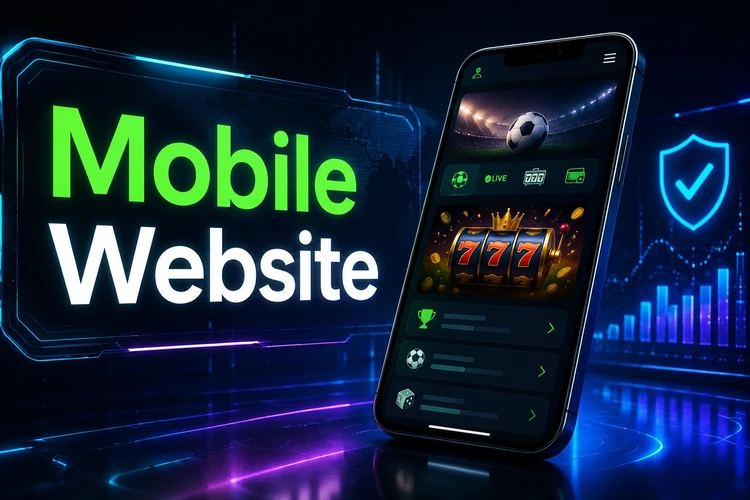
This option suits occasional use, iPhone owners and devices with limited storage. Save the official page as a bookmark rather than following unverified links. Browser password saving can speed up access, but it is best avoided on a phone that other people can unlock.
Lite Version
A Lite option is intended for slower connections and older devices. It generally reduces animations, image weight and data use while retaining essential account and betting functions. Availability and the exact features can vary by the version of the site shown to your device.
If a Lite option is offered, it can be useful on congested networks or with a limited data plan. Expect a simpler layout and fewer immediate visual updates than on the standard site. If pages repeatedly time out, try closing unused browser tabs, switching networks or using the lighter interface before downloading files again.
FAQ
Open the official website in an Android browser and use its app download option to save the APK. Open the completed file from notifications or a file manager, allow installation for that trusted browser if Android requests it, and follow the system prompts.
An APK should be downloaded only from the official Soccabet domain. Check the website address and file details, avoid third-party mirrors, and grant installation permission only to the browser or file manager you trust. Disable that permission after installation if you do not need it.
There is no confirmed native iOS app. iPhone users can use the mobile website in Safari or another browser and add a home-screen shortcut for direct access.
Yes. The website can be opened in a modern browser on Windows, macOS or Linux. There is no separate desktop program, but the browser version provides the platform's main account and betting functions.
The Lite version is a simplified interface intended to use less data and load more easily on slower connections or older devices. It may have a plainer layout and fewer visual updates than the standard mobile site.
The right choice depends on the device and connection. An Android APK may suit regular use, while the mobile website avoids installation and works on iPhone. A Lite option can help when data speed or device performance is limited.